The Best Vision Board Apps (2026), Including the Ones That Turn a Board Into a Plan
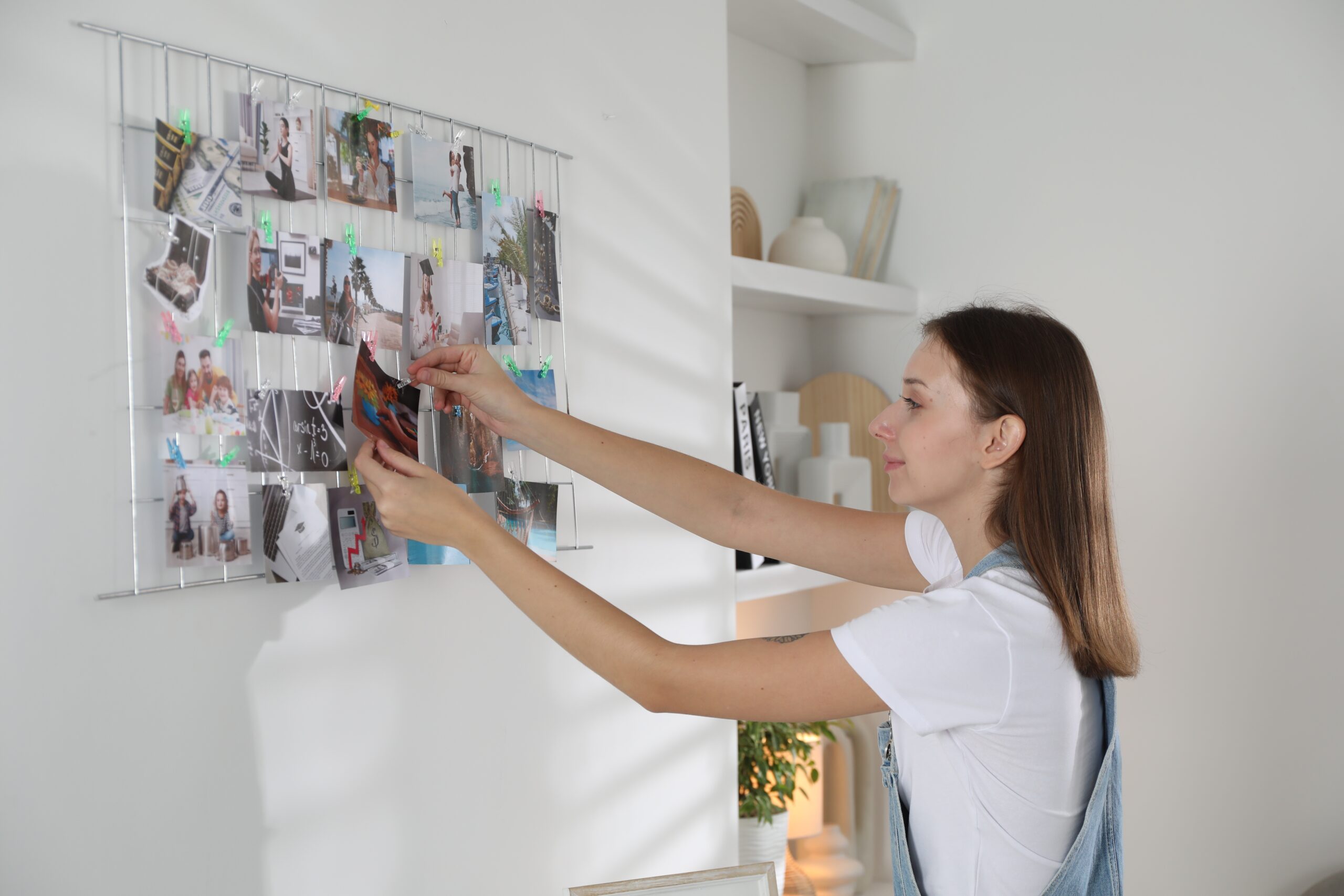
Most dreams don’t fail. They get postponed. A vision board is one of the nicest ways to keep a dream in sight, and one of the easiest places for it to wait. You find the pictures, you arrange them, you feel a lift every time you look. Then a busy month arrives and the board becomes part of the wallpaper.
A good vision board app makes the first part easy and lovely. This guide compares the best options of 2026, free and paid, on iPhone, Android and the web. It also covers the part most app lists skip: what turns a picture on your phone into something you do this week.
Disclosure: Unlimits wrote this guide, and Unlimits is on the list. Unlimits has no vision board feature, so we include it as a companion app for after the board is made. Every other app is described from its own website, App Store listing or Google Play listing as we checked them on 28 October 2026. Where we could not confirm something, we left it out.
The short answer: the best free vision board app for collecting pictures is Pinterest. For a designed board you can print or set as a wallpaper, use Canva. On iPhone, iPad and Mac, Apple Freeform gives you a free open canvas. If you want your goals and pictures in one workspace, use Notion. For a dedicated digital vision board app with affirmations and reminders, try Perfectly Happy or Visuapp, both on iOS and Android. To turn the board into one small step a day, with a coach who checks in, add Unlimits, an AI life coach in your pocket.
What a vision board app can and can’t do
A digital vision board app holds the pictures and words that stand for what you want, on the device you carry everywhere. That is useful. You can change it in seconds, look at it on the train and set it as your lock screen.
What a board cannot do on its own is move you. The psychologist Gabriele Oettingen has spent decades on this question. In one set of experiments, she and Heather Barry Kappes found that positive fantasies about an idealized future lowered people’s energy to go after it (Kappes and Oettingen, 2011). A beautiful board can feel so good that it stands in for the work.
The same line of research points to what helps. Picture the outcome, then name the obstacle, then decide what you will do when you meet it. Oettingen teaches this as WOOP: Wish, Outcome, Obstacle, Plan. Plans in the form “if it is 7am on Saturday, then I spend twenty minutes on the portfolio” are called implementation intentions, and a meta analysis of 94 tests by Peter Gollwitzer and Paschal Sheeran found a medium to large effect on reaching goals (d = 0.65) (Gollwitzer and Sheeran, 2006). Tracking progress helps too, especially when you report it to someone else (Harkin et al., 2016).
So the best vision board app is the one you will open again, paired with a plan for what you will do. Our guide to making a vision board that turns into a plan has the full method and a free template. This page is about the tools.
How we chose
We asked four plain questions of each app:
- How do you build the board? Pictures you find, a design you lay out, an open canvas, or a guided app.
- What brings you back? Reminders, widgets, a daily practice, or nothing.
- Does it connect the board to action? A goal, a step, a date, someone who checks in.
- What can you use for free?
We left out other apps’ prices on purpose. They change often and vary by country, so check the store page in your country before you pay for anything, Unlimits included.
The best vision board apps compared (October 2026)
| App | Best for | How you build the board | Brings you back | Platforms | Free option |
| Collecting pictures | Save Pins to boards and make collages | Your feed | iOS, Android, web | Free app | |
| Canva | A designed board to print or use as a wallpaper | Templates, free stock images, your own photos | Nothing built in once you download it | Web, iOS, Android | Free vision board maker with templates |
| Apple Freeform | An open canvas on Apple devices | Photos, text, drawings, links anywhere on the board | Boards sync to your other Apple devices | iPhone, iPad, Mac, Apple Vision Pro | Boards need no subscription |
| Notion | Pictures and goals in one workspace | Templates and databases with goals, dates and notes | Whatever you build into your workspace | Web, desktop, iOS, Android | Free plan for individuals |
| Perfectly Happy | A daily visualization practice | Images, affirmations, music and spoken words, turned into a short video | Daily reminders and widgets | iOS, Android | Free version with one board; 7 day trial of premium |
| Visuapp | A simple, focused dream board | Your own photos with an affirmation for each dream | Reminders and a visualization timer | iOS, Android | Free download with in app purchases |
| Unlimits | Turning one picture into daily steps | No board builder; you tell your coach the dream behind the picture | Coach checks in; WhatsApp reminders and voice coach with Pro | iOS, Android | 7 days of everything, then 1 dream free with your daily task |
Features and free options as listed on each app’s website or store page on 28 October 2026. “Free option” describes what you can use without paying, not the full feature set.
The best vision board apps, one by one
Pinterest: best free vision board app for finding pictures
What it is: the image discovery app most people already use. You create boards, save Pins and make collages from what you find.
Why people use it for vision boards: speed. Search for a calm home office or a trail you want to run and you will have a full board in ten minutes. It is free on iOS, Android and the web.
Watch out for: boards that grow and never focus. Fifty saved kitchens can feel like progress. Once you have the pictures, choose the one that matters most this year.
Canva: best for a designed board you can print
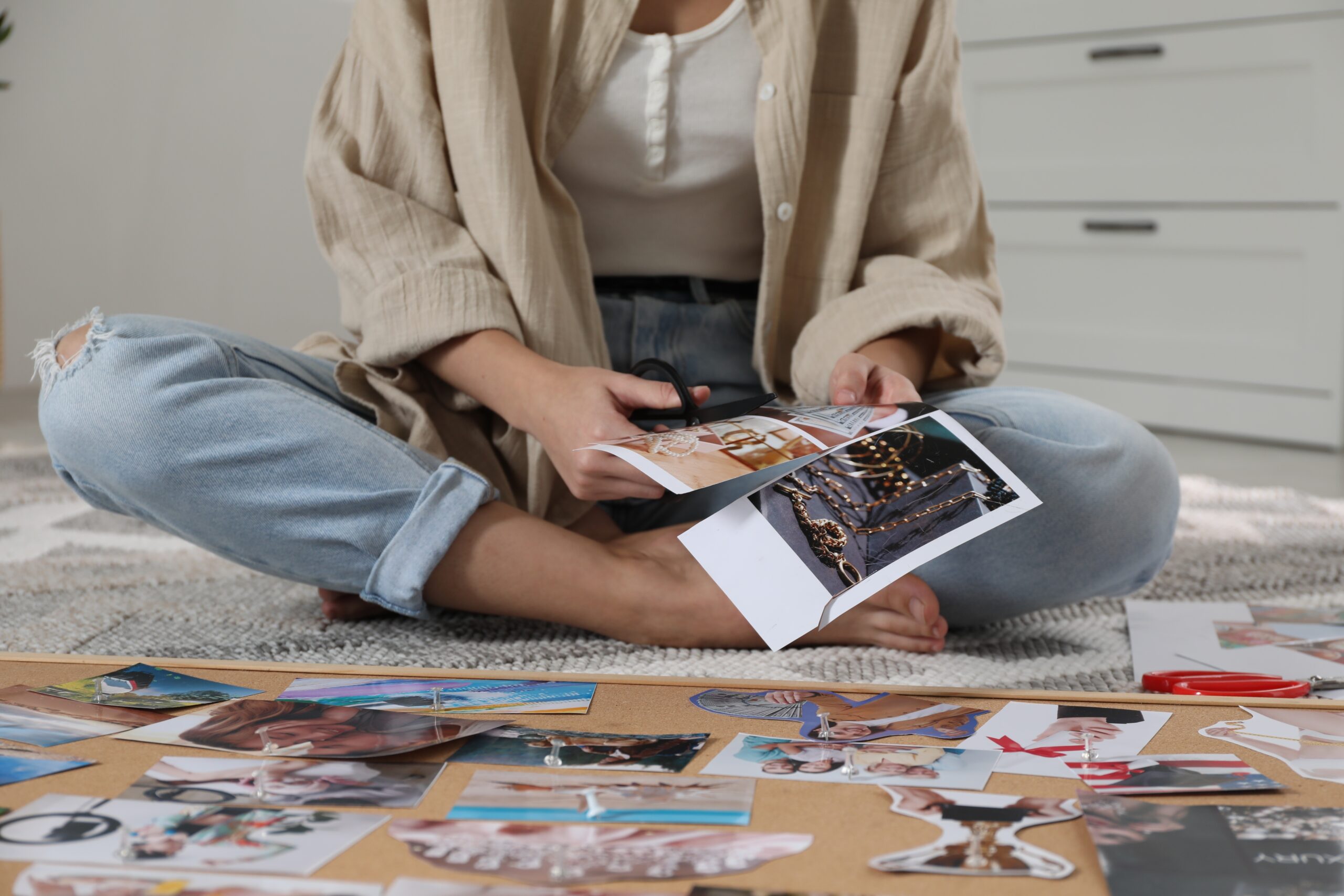
What it is: a design tool with a free online vision board maker. You start from a template or a blank layout, add your own photos or free stock images, and download it as a JPG, PNG or PDF to print or set as your wallpaper. (Canva vision board maker (https://www.canva.com/create/vision-boards/))
Why people use it for vision boards: the result looks finished. If you want a board on the wall above your desk, this is the easiest way to make one that you are happy to look at every day.
Watch out for: the moment you press download, the board is done. Canva has no reason to bring you back to it, so put the file somewhere you will see it daily.
Apple Freeform: best free canvas on iPhone, iPad and Mac
What it is: Apple’s open canvas app. You can drop photos, video, documents, links and sticky notes anywhere on a board and draw with your finger. Apple’s App Store listing says creating, viewing and editing boards, and collaborating in real time, does not need a subscription. Boards sync through iCloud across iPhone, iPad, Mac and Apple Vision Pro. (App Store (https://apps.apple.com/us/app/freeform/id6443742539))
Why people use it for vision boards: total freedom at no cost, and a shared board is easy if you are planning a dream with a partner.
Watch out for: it is Apple only, and the canvas starts empty. There are no vision board templates or prompts, so you bring the structure yourself.
Notion: best for linking pictures to goals
What it is: a workspace for notes and databases. Its Free plan is aimed at individuals organising personal projects and life (Notion pricing (https://www.notion.com/pricing)), and its template marketplace lists more than 200 vision board templates, many of them free.
Why people use it for vision boards: a picture can sit on top of a page that holds the goal, a date, a status and the next steps. If you already run your life in Notion, this keeps everything in one place.
Watch out for: setup. You build the system before it helps you, and the plan still waits for you to open it.
Perfectly Happy: best dedicated app for a daily visualization habit
What it is: a digital vision board app built for visualization and affirmations. Its App Store listing describes built in image libraries, more than 6,000 affirmations, music and spoken words, a vision board video, home screen widgets, daily reminders, a mood tracker and a gratitude journal. It is on both the App Store and Google Play. (App Store (https://apps.apple.com/us/app/vision-board-perfectly-happy/id1486165358))
Why people use it: a finished board comes together quickly because the content is inside the app, and the reminders give you a daily moment with it. Its own site says the free version includes one board, and there is a 7 day free trial of premium. (Perfectly Happy (https://perfectlyhappy.com/digital-vision-board-app/))
Watch out for: a practice that stays in the mind. Daily viewing works best when it ends with one small thing you do that day.
Visuapp: best simple dream board on iOS and Android
What it is: a focused vision board app, on the market since 2017 by its own account. You add each dream from your photos or camera, write an affirmation for it and give it a category. It counts how long you have visualized each dream, offers reminders and a gratitude journal, and sells a Feng Shui board as an in app purchase. (App Store (https://apps.apple.com/us/app/visuapp-vision-board/id1317811945))
Why people use it: it is quiet and simple. One dream, one picture, one line, with no feed pulling at your attention.
Watch out for: you supply all the pictures, and it measures progress in minutes spent visualizing.
Unlimits: best companion app for turning a board into daily steps
What it is: Unlimits is an AI life coach in your pocket, built for the dreams you keep putting off. It does not make vision boards. You keep your board wherever you like it, and you bring the dream behind one picture to your coach. The app has three sections. Dream is where your coach helps you shape that dream into a plan. Manifest holds guided manifestations and mindset sessions, including sessions recorded by Paul McKenna, an Unlimits advisor and content partner. Achieve gives you one small step every day and shows how far you have come.
What it adds to any board: the action half. Your coach breaks the dream into a step small enough for your worst day, checks in when you go quiet, and finds a smaller step when life gets in the way. With Pro, reminders arrive on WhatsApp and you can talk your plan through with the voice coach. One step, every day.
Free option: every new member gets 7 days of everything, coach included. After that, 1 dream stays free with your daily task, articles, manifestations and the 21 day challenge. Pro is $14.99 a month or $119.99 a year and adds unlimited dreams, WhatsApp reminders and voice conversations. (Unlimits plans)
Skip it if: you want a place to design and arrange pictures. Use one of the apps above for that, and use Unlimits for the step. It is a coaching and planning tool, and it is not therapy or a medical service.
Which vision board app should you choose?
Choose by how you like to make things, then add the piece for action.
- You love collecting images: Pinterest, then pick one picture to act on.
- You want something beautiful on the wall: Canva, printed and placed where you see it every morning.
- You are on Apple devices and like a blank page:
- You think in lists and dates:
- You want a daily ritual with affirmations: Perfectly Happy or Visuapp.
- You keep making boards and nothing changes: keep the board you have and add a coach who gives you one step a day. That is what Unlimits is for.
Most people need two tools at most: one for the picture and one for the step. If you are not sure what belongs on the board in the first place, start with the Someday List.
Free vision board apps: what you really get
Almost every app in the store says free. Here is what that means for the apps above, as their own pages describe it today.
- Free to use in full: Freeform boards need no subscription.
- Free plans that cover a personal board: Canva’s vision board maker and Notion’s Free plan.
- Free with limits: Perfectly Happy’s free version includes one board. Visuapp is a free download with in app purchases.
- Free start for the action side: Unlimits gives you 7 days of everything, then keeps 1 dream free.
A paid plan is only worth it if it changes what you do. The exercise below helps you check before you pay for anything.
Try this: the one picture, one step exercise
This takes fifteen minutes and works with any vision board, digital or paper.
- Open your board and choose one picture. The one you would be most disappointed to see still there next year.
- Write the dream behind it in one sentence. “Run a half marathon by June” says more than a photo of running shoes.
- Name the obstacle inside you. Tiredness after work, fear of looking silly, no idea where to start. Be honest. If the same doubt keeps coming back, read about the hidden belief that keeps a dream out of reach.
- Shrink the first step until it fits your worst day. Ten minutes or less. If it feels heavy, your step is too big.
- Give it a time with an if then plan. “If it is 7pm on Tuesday, then I put my trainers on and walk for ten minutes.”
- Choose who will ask how it went. A friend, a group or a coach. A message from someone who noticed is why an AI accountability partner on WhatsApp can help on the days nobody else asks.
- Do it, then pick tomorrow’s step. One step a day is enough. We explain why in one meaningful action a day.
If you finish step 7 three days in a row, your board has started to do its real job.
Why boards stall, and what keeps them moving
Most people who make a vision board mean every picture on it. The board stalls because each dream waits for a better week: more time, more money, more certainty. We wrote about that pattern in why you keep postponing your dreams .
Paul McKenna, who has spent more than 30 years helping people change how they think and act, starts with the mindset for a reason. When your head is in the plan, the first step feels lighter. That is why his sessions sit in the Unlimits Manifest section, ahead of the steps in Achieve. If you want the evidence on manifesting itself, read does manifestation work and manifestation into action.
FAQ
What is the best vision board app?
It depends on how you like to build the board. Pinterest is best for collecting pictures, Canva for a designed board you can print, Apple Freeform for a free canvas on Apple devices, Notion for linking pictures to goals, and Perfectly Happy or Visuapp for a dedicated daily practice. To turn the board into daily steps with a coach who checks in, add Unlimits.
Is there a free vision board app?
Yes. Pinterest is free, Apple Freeform boards need no subscription, and Canva and Notion have free plans that cover a personal board. Dedicated apps such as Perfectly Happy and Visuapp are free to download with paid extras. Check each store page for current terms.
What is the best vision board app for iPhone?
For a free canvas, Apple Freeform. For a dedicated digital vision board app with affirmations, widgets and reminders, Perfectly Happy or Visuapp. Pinterest, Canva and Notion also work well on iPhone.
What is the best vision board app for Android?
Perfectly Happy and Visuapp are both on Google Play, as are Pinterest, Canva and Notion. Apple Freeform is not available on Android.
Do vision board apps work?
A vision board app keeps your goals in sight, which helps you remember them. Research by Gabriele Oettingen suggests that picturing a happy outcome on its own can lower the energy to pursue it, while picturing the obstacle and making an if then plan helps people act. A board works best when it leads to a small, scheduled step.
Is a digital vision board better than a paper one?
Neither is better in every case. A digital vision board is easy to update and carry, and many apps add reminders. A paper board on your wall is harder to ignore. Many people keep a paper board for the view and use an app for the plan.
Can an app turn a vision board into a plan?
Some can help. Notion lets you attach goals and dates to pictures. Unlimits takes the dream behind a picture and turns it into one small step a day, then checks in to keep you going.
Does Unlimits have a vision board feature?
No. Unlimits is an AI life coach, and it works alongside the vision board you already have. You tell your coach the dream behind a picture, and it helps you take one small step on it every day.
Your dreams don’t have to wait anymore
A vision board shows you what you want. The step you take this week is what brings it closer. Unlimits is rated 4.9 with more than 18,000 downloads, as published on our site, and it exists for that part: one dream, one small step, every day.
Download Unlimits today on Appstore or Googleplay and start with free credits.